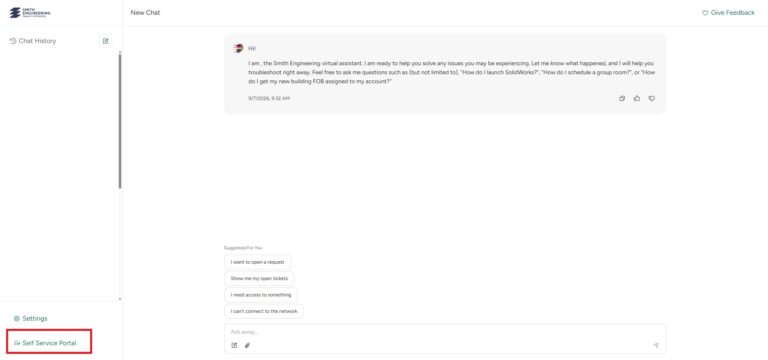
From there you will be taken to the Service Desk AI. You can navigate to the Self-Service Portal by clicking the redirect button on the bottom left-hand corner of the screen.
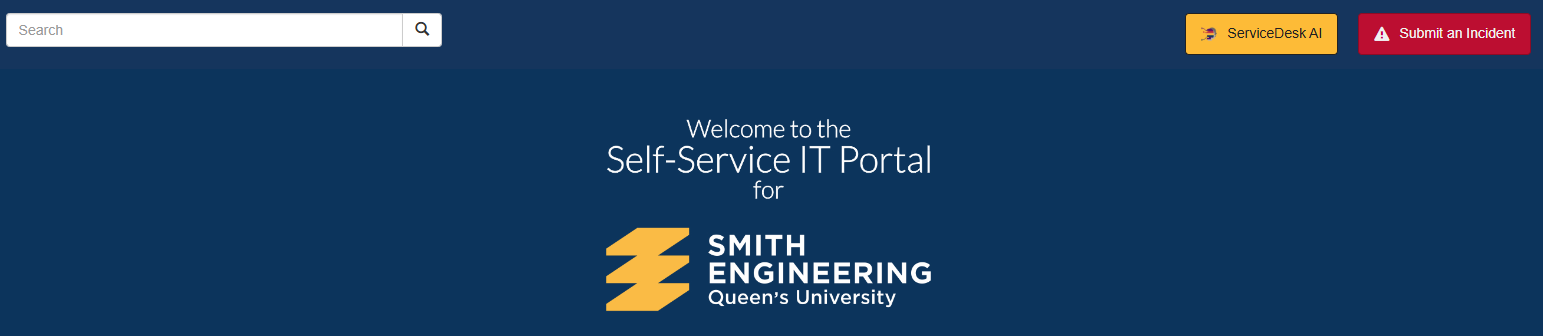
Look for “Submit an Incident” in the top right.
2
Fill in a report
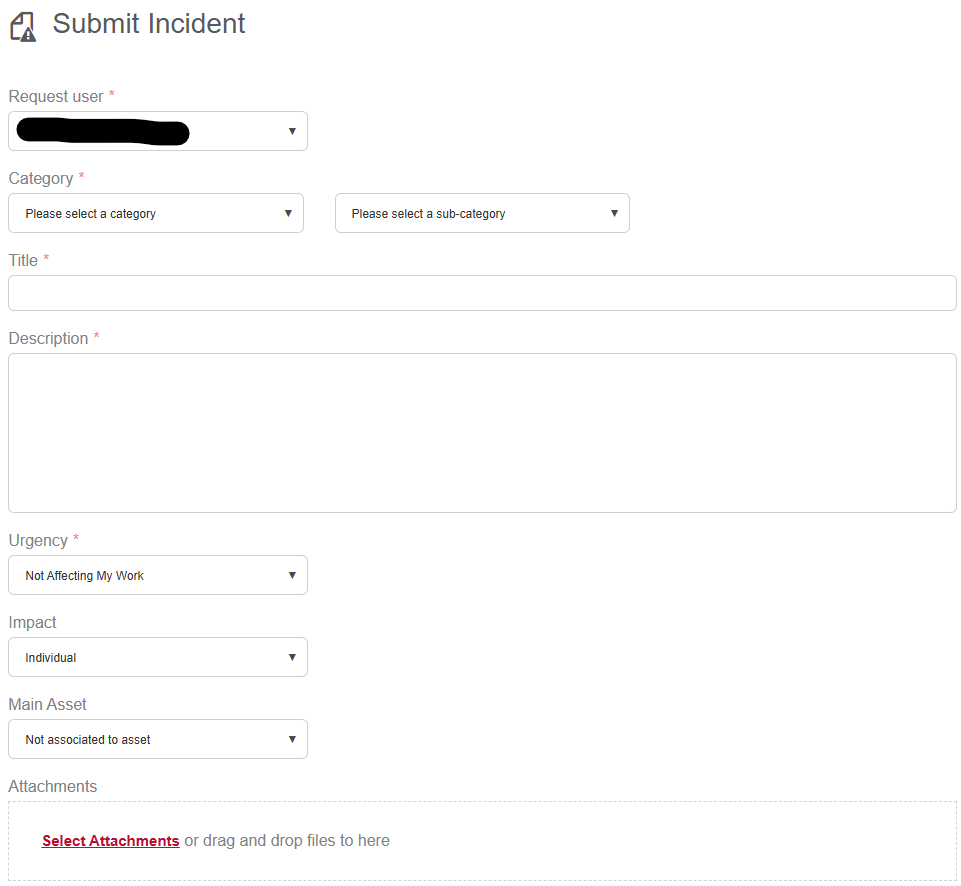
Fill in the incident report.
Goto bottom right to cancel or submit report.
How To View Your Ticket
1
Login
Log in to the Service Desk at Self-Service Portal, navigate past the Service Desk AI to the SSP Home page, and look for “My Tickets” at the Bottom left of the home screen.
2
Select incident
Select the incident you would like to view under “My Tickets”
3
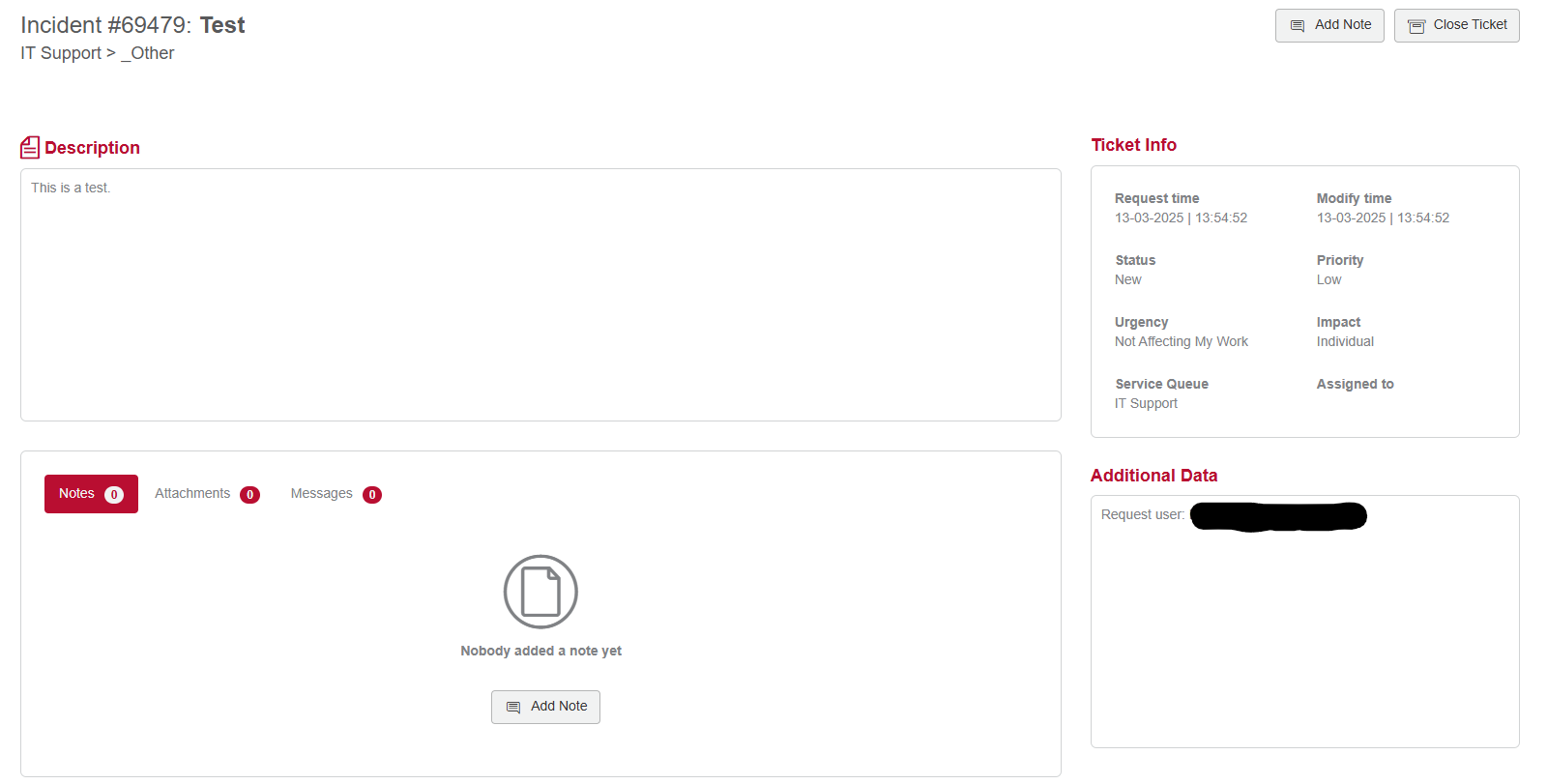
Review ticket
Once a request or incident is open, you can review messages, add notes, attach files, and close the ticket.