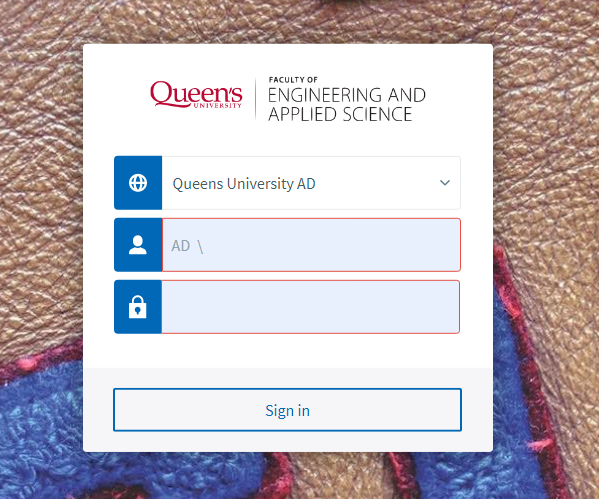
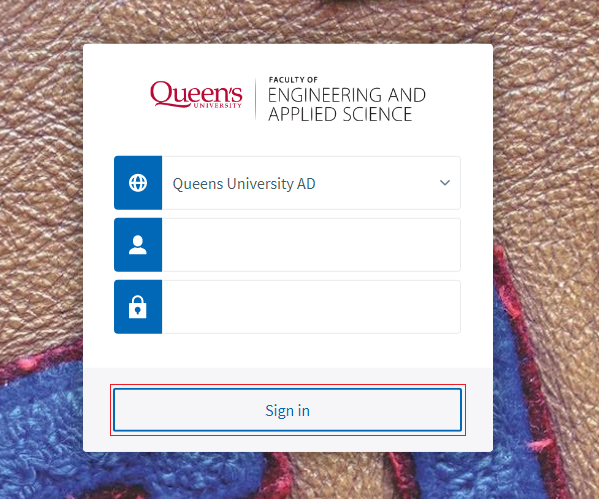
You are here: KB Home Software AppsAnywhere Sign in to AppsAnywhere < Back Sign in to AppsAnywhere 1 Visit the Sign in Page Visit https://apps.smithengineering.queensu.ca Enter you NetID and password. 2 Click Sign in AppsAnywhere will atempt to validate your device to ensure it meets specific technical requirements. Once your device is validated, you can use the provided aplications. Tip: If you experience a Validation Failed error, press F5 to refresh the page to log in again.