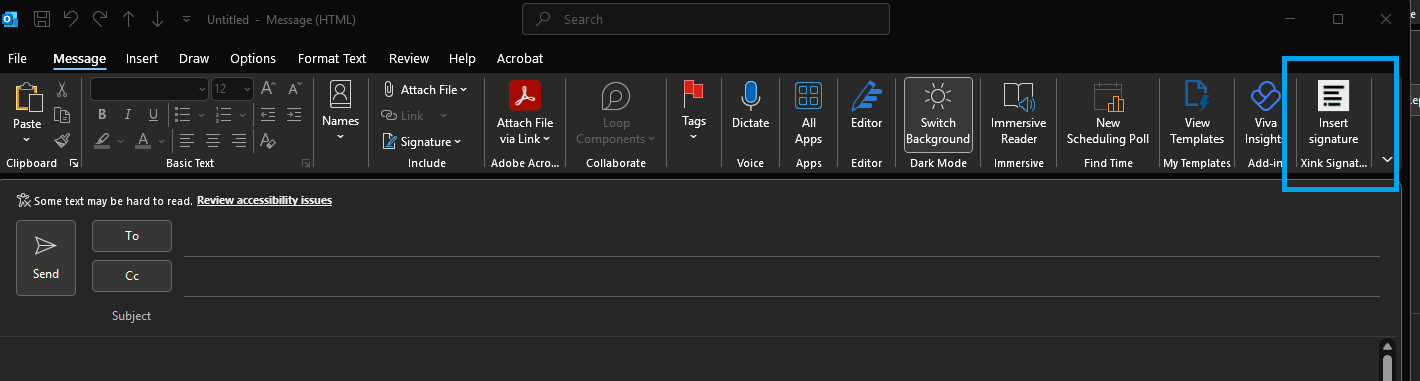
When the new email opens, you will see Xink Signature on the far right, select option.
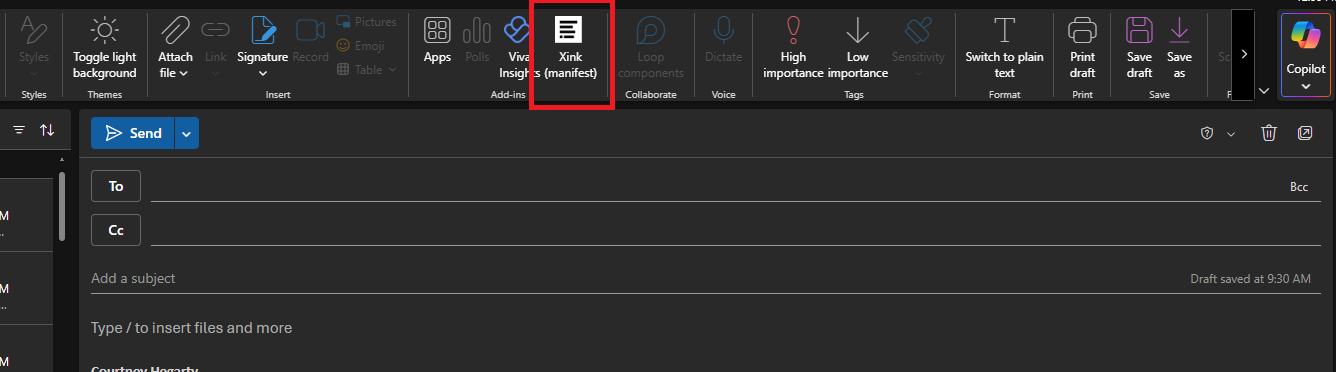
For those of you who use Office365 Web version, you will see Xink Manifest.
2
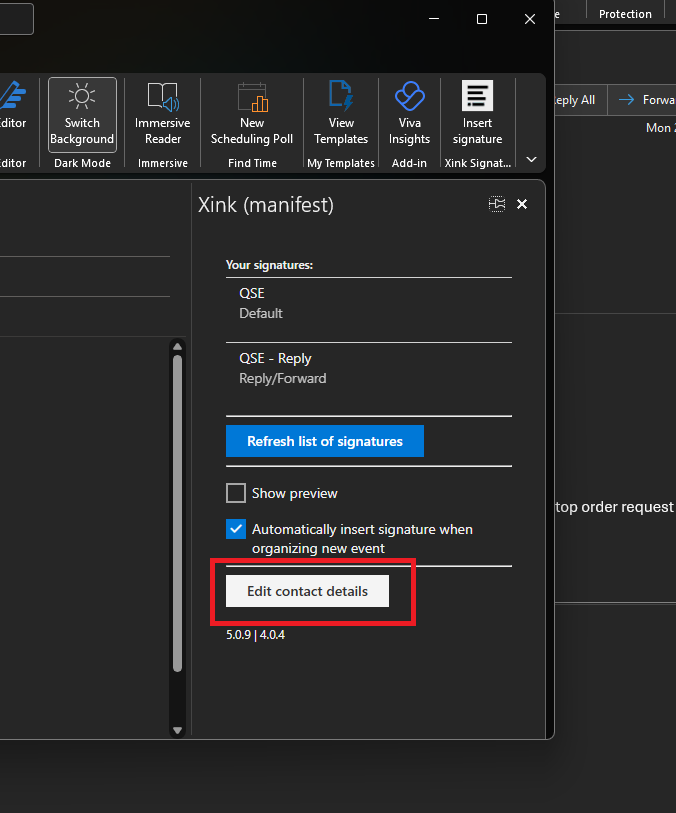
Once the Xink side panel opens, select "Edit contact details".
3
Update you profile details
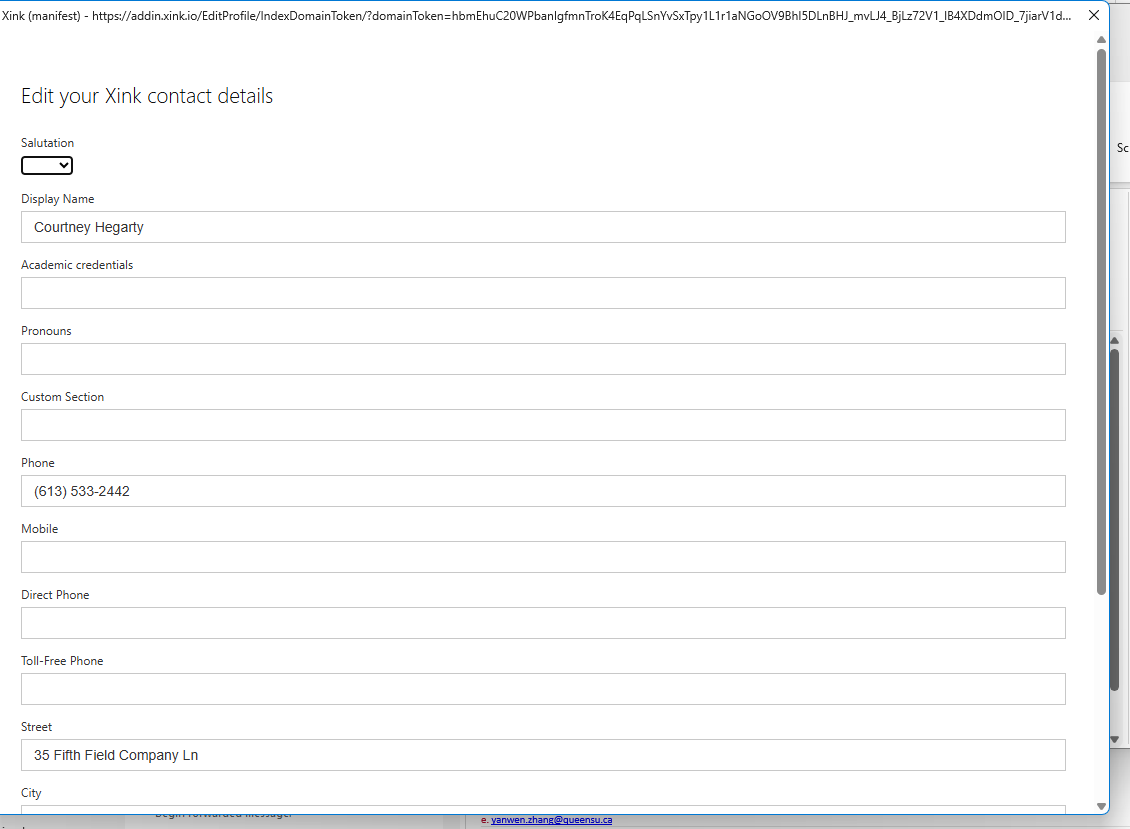
In the contact detail form, you will be able to edit multiple fields. Changes here will be immediately applied to your signature.
Not all fields in the template are user edittableThe following fields are not user editable and require Smith Engineering IT to update. The fields are Title, Title 2, Department, email, and Office Location.
Be sure to click the Save button at the bottom of the form when you have made your changes.