Accessing the Smith Engineering Shop (EngShop)
How do I get to the EngShop?
How do I access the EngShop?
Why can't I sign into the EngShop?
Why do I get an error when trying to sign into the EngShop?
Navigating to the Sign-on page
1
Navigate to the Sign-on page.
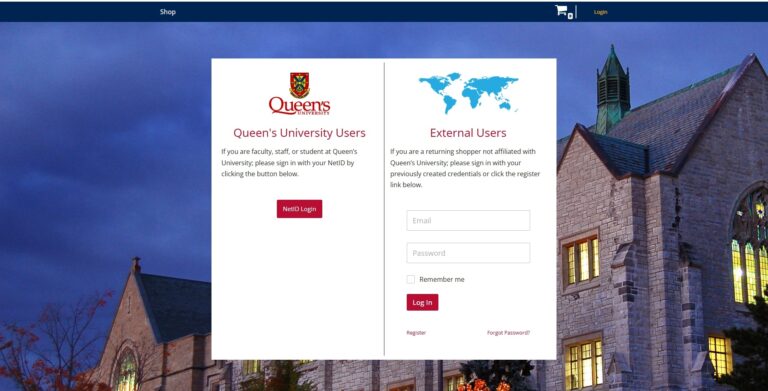
Go to the Smith Engineering Shop and click ‘Login’ on the upper right-hand corner of the screen.
Alternatively, you may go directly to the Smith Engineering Shop Login. Either way, you should end up at the Sign-on page.
Queen's User Sign-on
1
Using the Queen's Users Sign-on
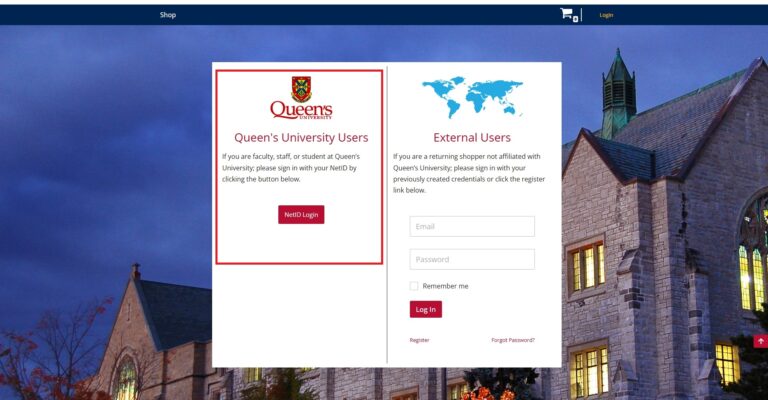
If you are Queen’s Faculty, staff, a student, or are affiliated with Queen’s and have a NetID and password, please always use the NetID login on the left-hand side of the screen.
It’s my first time signing in. Do I not need to register an account?
No; there is no need for you to register an account. As a Queen’s user, your NetID and password are your credentials to sign into the EngShop. Please do not register an account using the external sign-in method.
I accidentally created an external account.
Please submit a ticket via the Service Desk so we can rectify the issue. If you have created an external account as a Queen’s user, it will conflict with your Queen’s account, and you will get an error message when attempting to log in. The external account must be removed before you can attempt to sign-in with your Queen’s login.
External User Sign-on
1
Using the External Users Sign-on
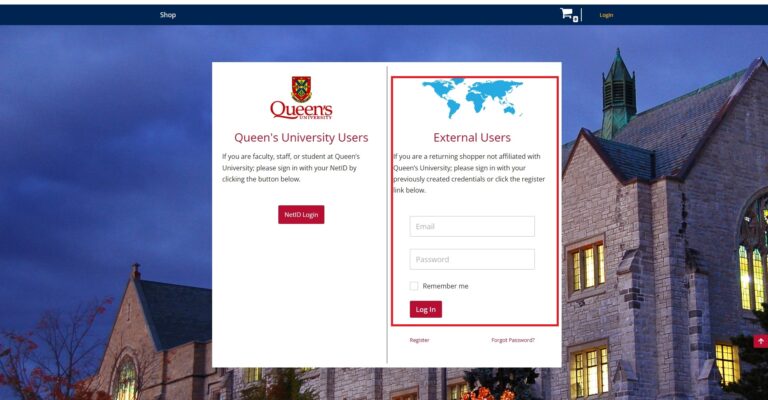
If you are not affiliated with Queen’s, from the EngShop Sign-on window, use the External Users sign-in on the right-hand side. If you have not yet created an account, please use the ‘Register’ link at the bottom of the page and follow the instructions.
Why am I getting an error message?
The most common error message received by end users is “Sorry, that user name already exists!”
There are a few possibilities as to why you may receive this error:
- As an External User: if you are attempting to register for an account and you get this error message, it means you already have created an account. If you cannot recall your password, please select the ‘Forgot Password?’ link from the sign-in page under ‘External Users’.
- As a Queen’s User: Either
- You are attempting to register for an external account when you already have a Queen’s account.
- You may have created an external account using your NetID credentials. If you then attempt to use the Queen’s Sign-on, the two accounts will conflict. The only resolution in this case is to have the external account removed. To do so, submit a ticket via the Service Desk.