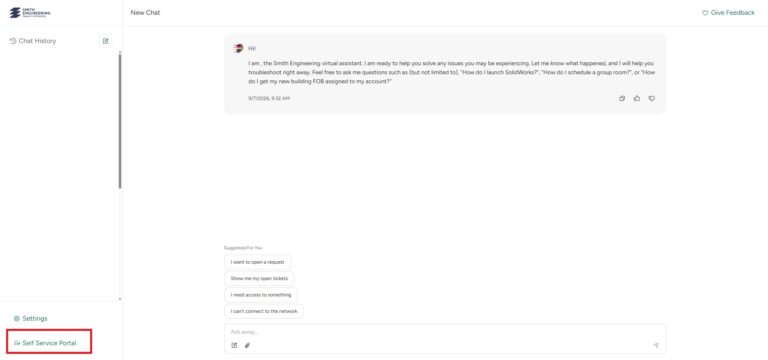
From there you will be taken to the Service Desk AI. You can navigate to the Self-Service Portal by clicking the redirect button on the bottom left-hand corner of the screen.
Please Note!Alternatively, you may ask the Service Desk AI to submit a ticket on your behalf to have your FOB assigned to your NetID. Please provide your 17-digit FOB number when doing so.
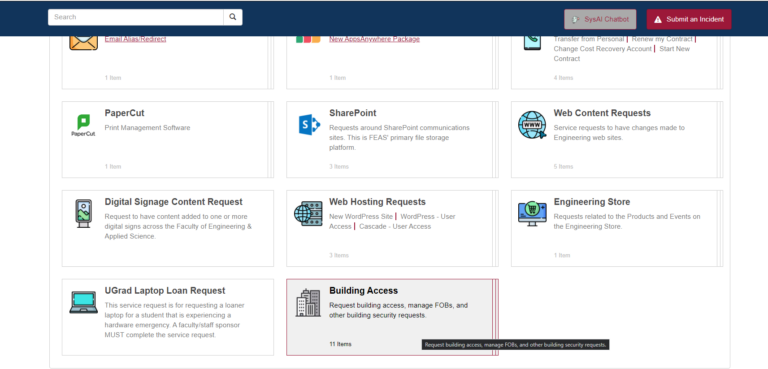
Once in the Self-Service Portal, navigate to the ‘Building Access’ tab.
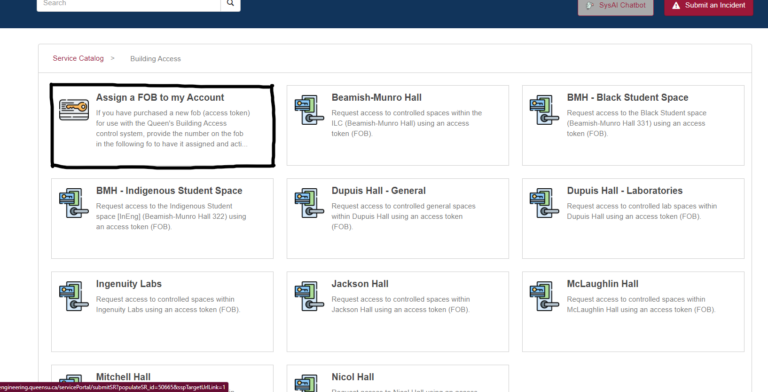
Once “Building Access” is selected, you will be brought to a page with multiple building locations along with “Assign a FOB to my Account”.
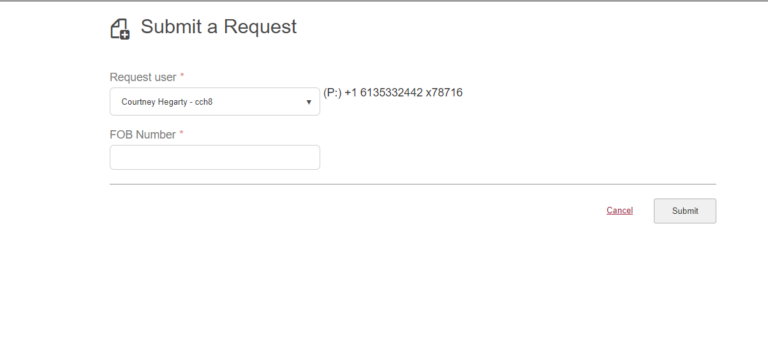
Enter your name or NetID into the Request User drop down, followed by entering the 17-digit FOB number on your device and select “Submit”.